Protect Your Backups from
Hidden Threats
Scan backup files for dormant malware before restore—speed up scans,
meet compliance, and recover with confidence.
- Peningkatan Kepatuhan
- Faster Rescans
- Seamless Workflows



















What You'll Gain
33x Faster Scans
Rapidly rescan static datasets to save time and computing power.
Proven Compliance
Automate scans to meet regulatory mandates.
Restore with Confidence
Prevent re-infection with pre-restore malware checks.
Are Your Backups Putting You at Risk?
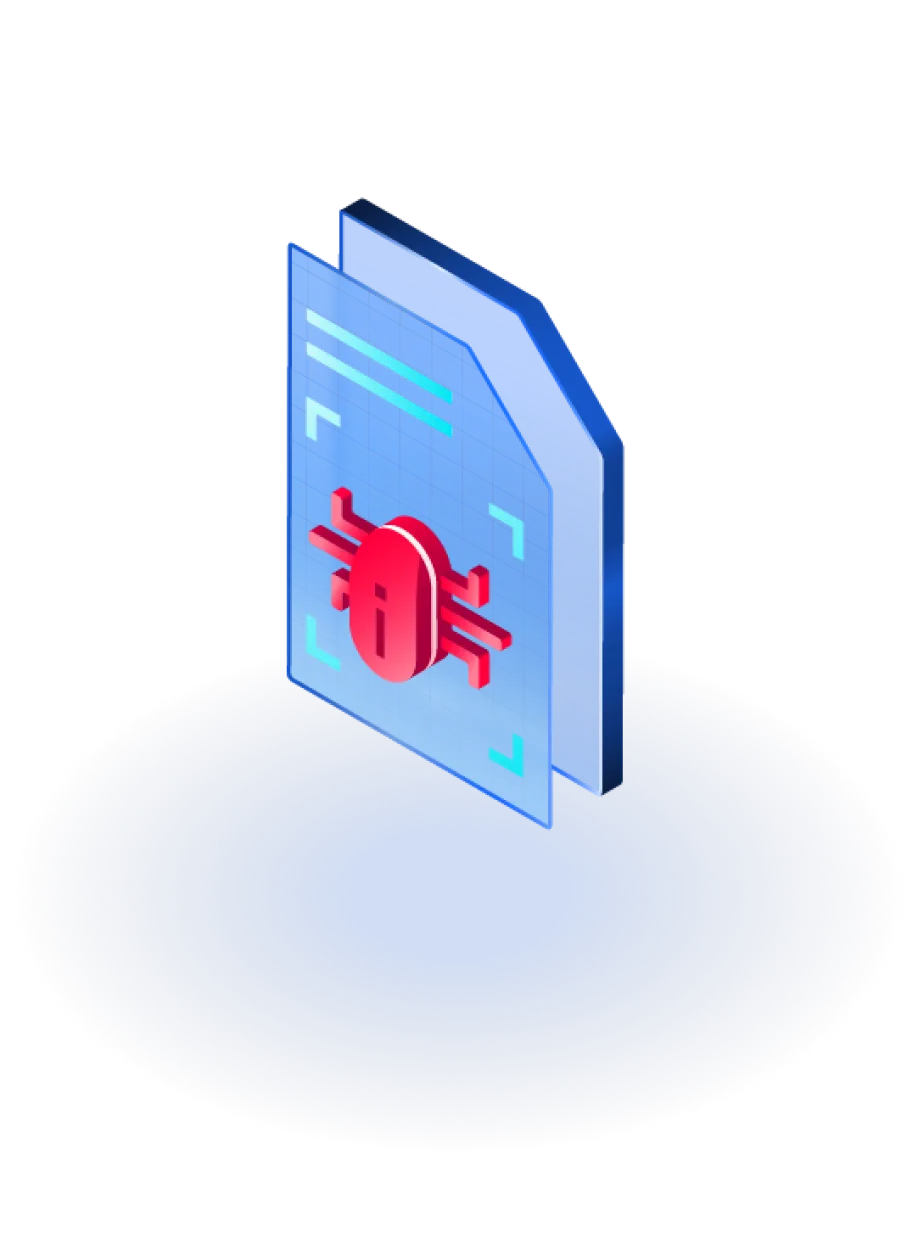
Many leading backup vendors leave room for dormant threats -including ransomware- to silently wait in archived files. Traditional backup solutions often lack comprehensive malware scanning during backup creation and restoration processes.

Limited Threat Detection
No Pre-Restore Scanning
Compliance Gaps
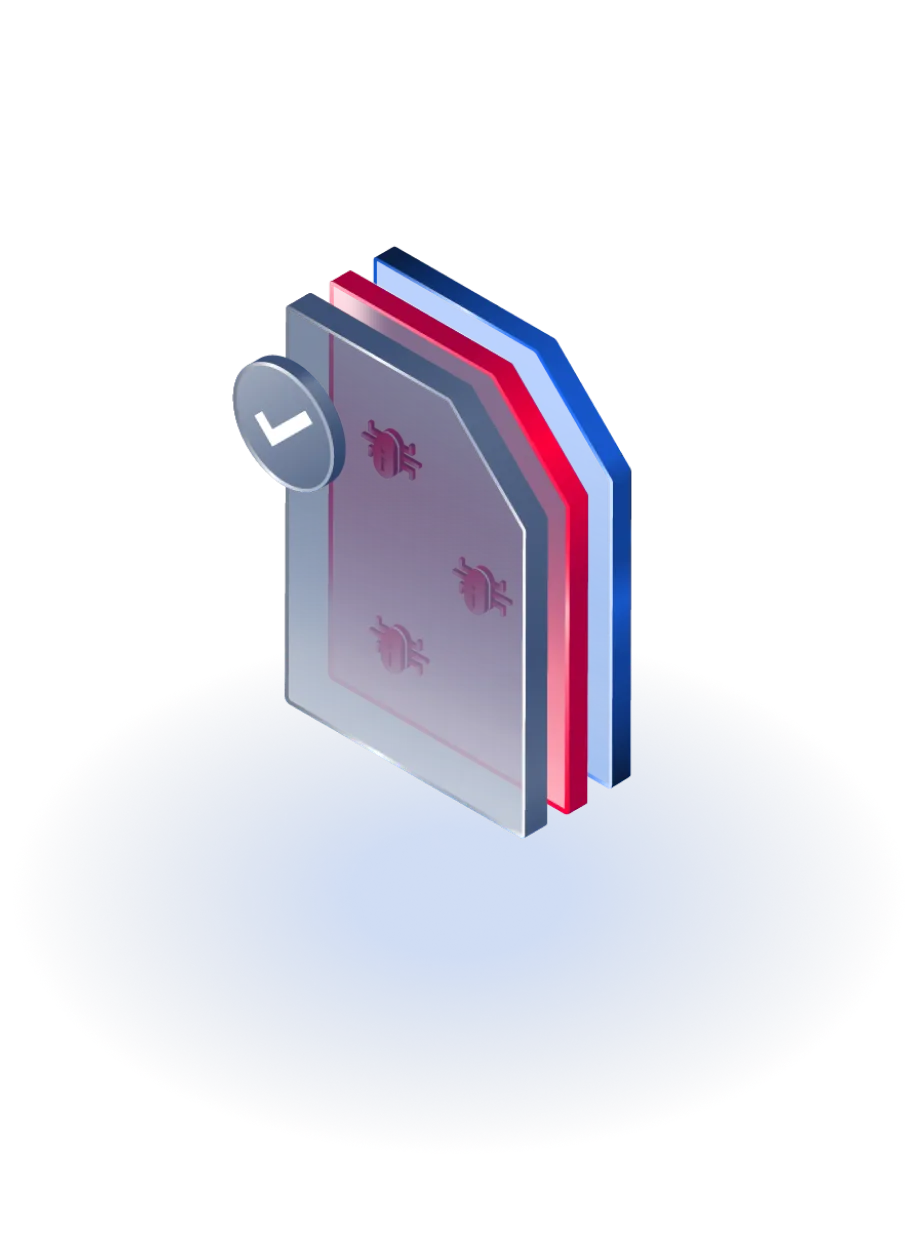
Hidden Malware Risk
When infected backup files are restored, your systems are at risk of reinfection, potentially undoing
all recovery efforts and extending downtime.
Without proper scanning, even compliant-looking backups become a liability.
Build a Smarter Backup Defense
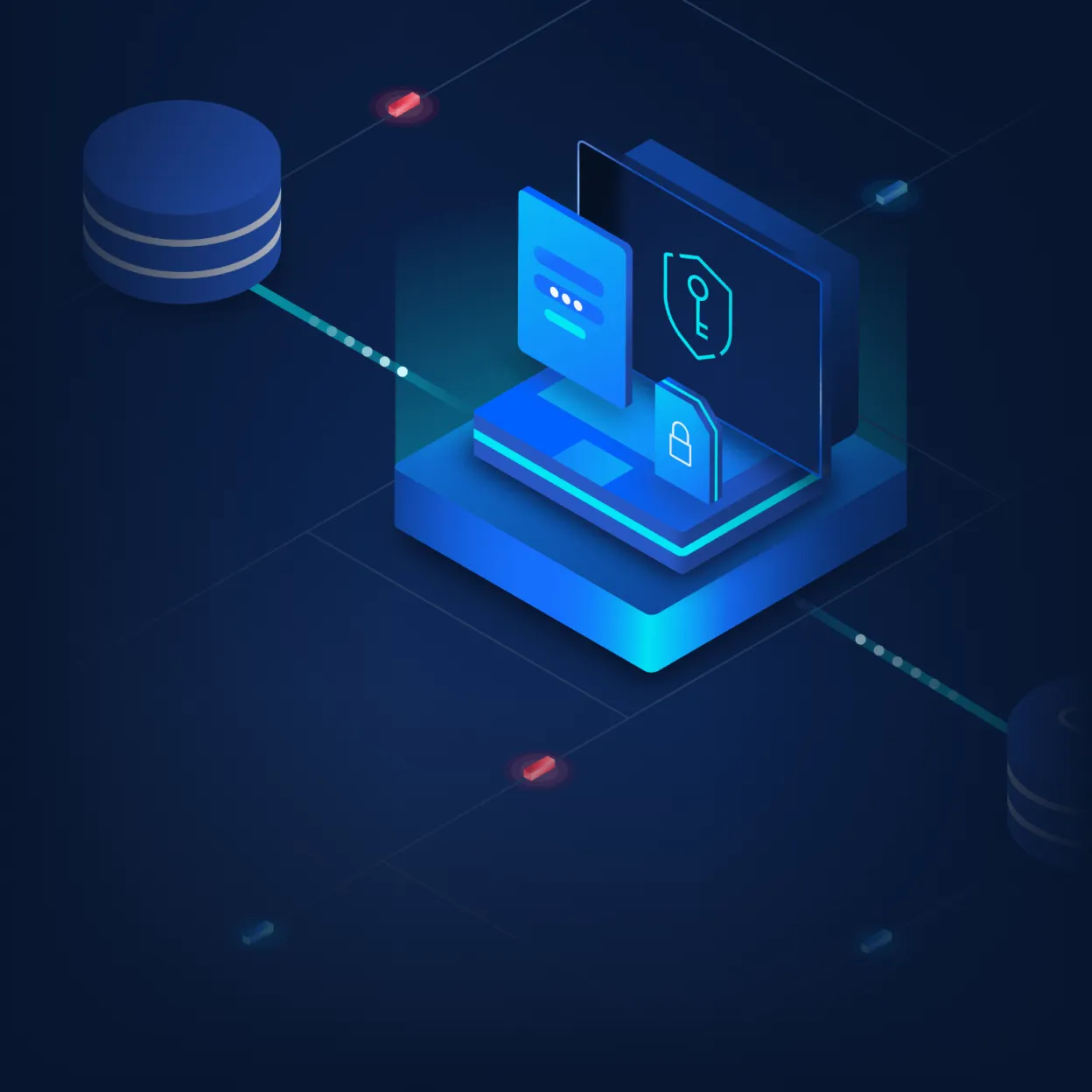
Our Backup Storage Scanning solution adds deep, layered security to your backup strategy.
Powered by insights from a successful enterprise PoC, this solution includes:
A Centralized Storage Units dashboard
Monitor all backup targets from one place
Fast Identity Scanning
33x speed improvement for unchanged files
Backup Versioning Support
Comprehensive backup version management
Visual Analytics Dashboard
Real-time insights into scan results
Flexible scheduling options
Automated compliance-based scanning
Do It All Without Disrupting Your Workflow
- Scan backups before and after restore
- Catch hidden malware
- Proven compliance
Why Add Backup Scanning? Here’s What You Get

Peningkatan Kepatuhan
Automates periodic scans to meet backup scanning mandates and reduce audit risk.

Clean Restores,
Every Time
Scans files before restoration to prevent re-infection and reduce RTO.
Catch What Others Miss
Detects dormant malware in backups before it can resurface during recovery.

Faster Rescans, Less Strain
Reuses scan results for unchanged files to enable ultra-fast rescans and reduce resource use.
“Real-world testing with our 381,000-file dataset demonstrated a reduction from 23 minutes to just 42 seconds for backup rescanning—a 33x improvement that transforms our recovery time objectives.”
Get Started with 3 Simple Steps
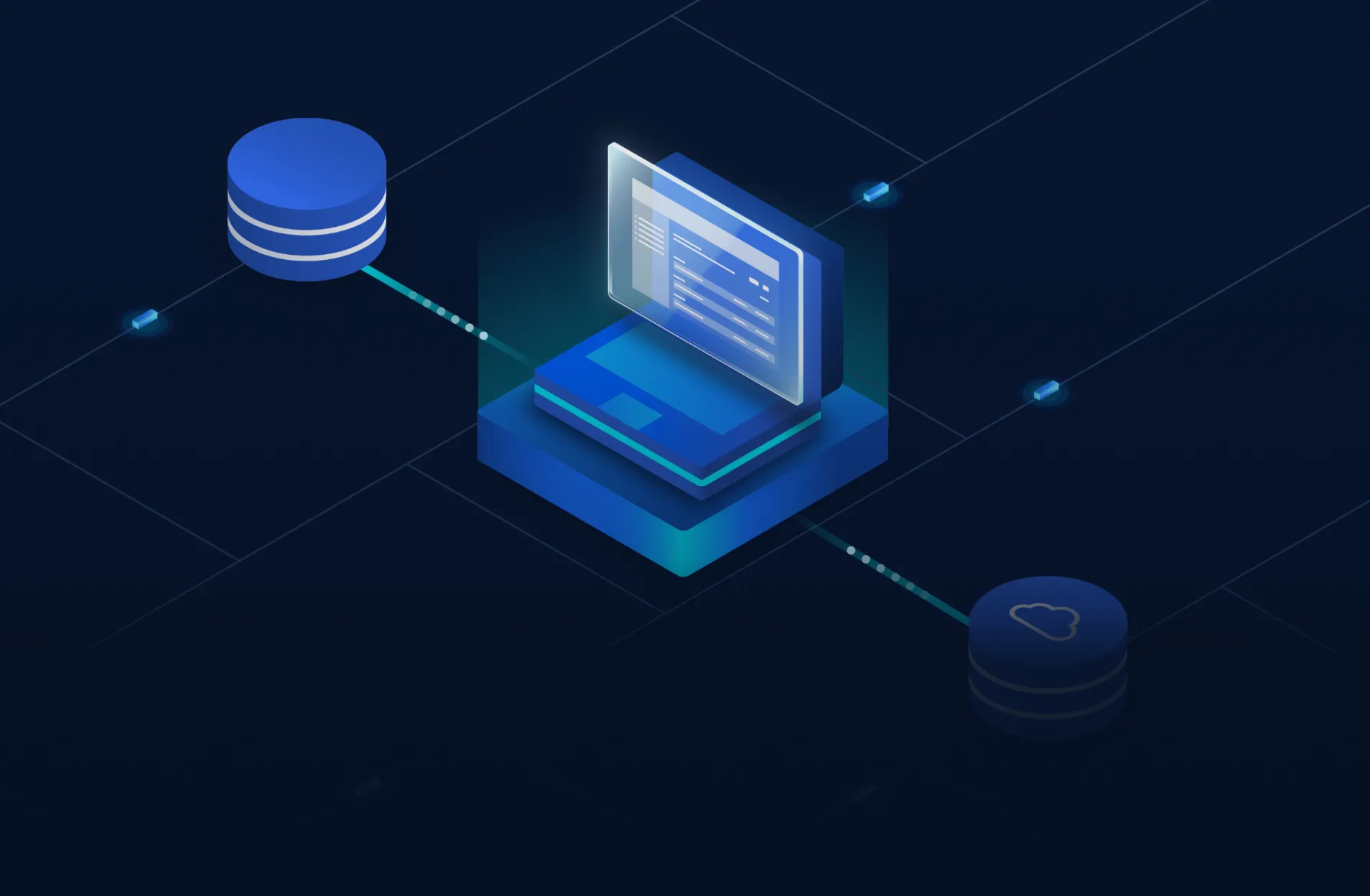
Built for Backup Security
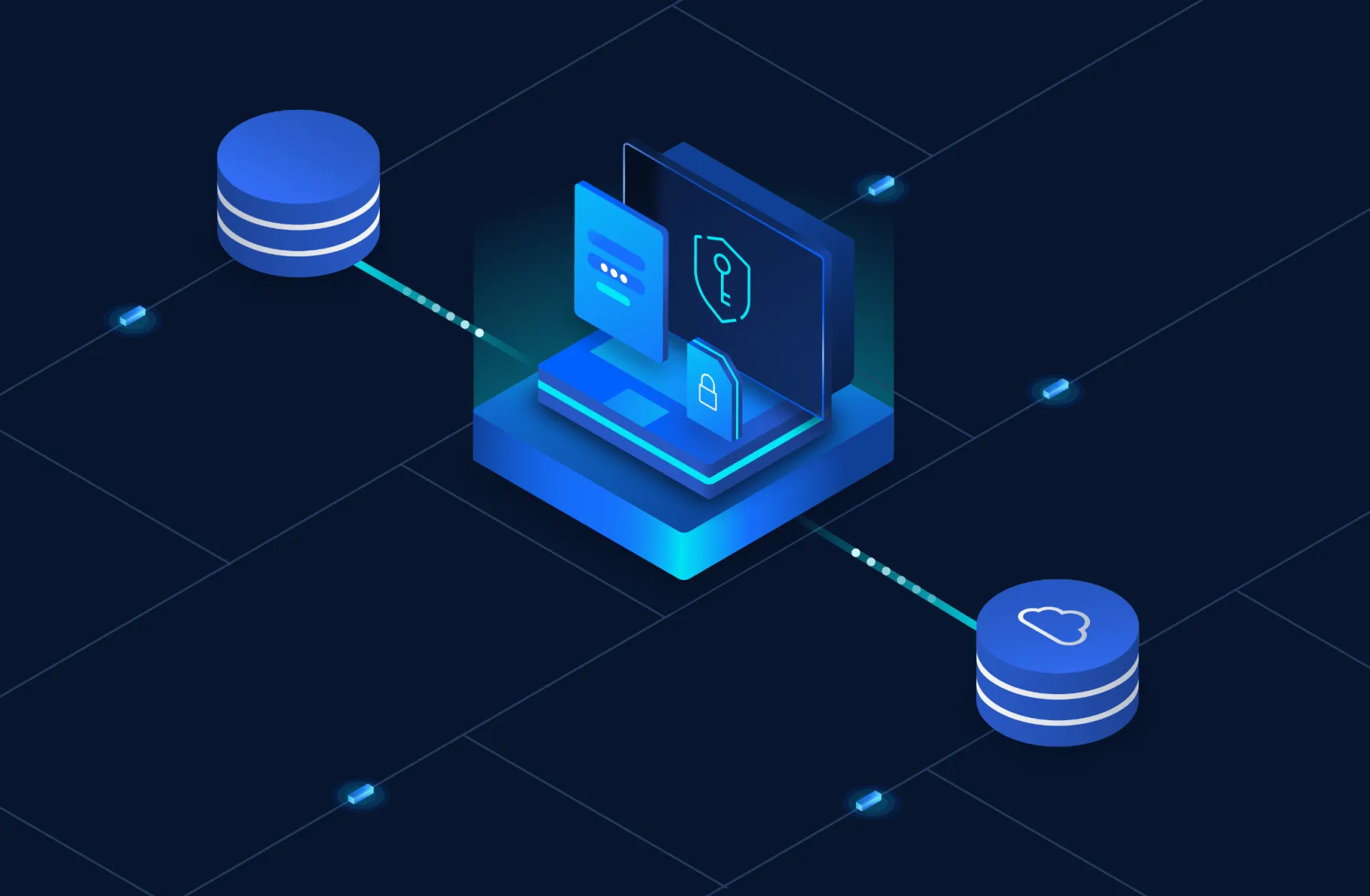
Centralized Storage Units Page
Connect and monitor all backup targets from one place. Support for NFS, SMB, and S3 storage types with real-time status monitoring.
Pemindaian Identitas
Dramatically reduces rescan time for unchanged files using advanced file identification technology. Proven 33x speed improvement for static datasets.
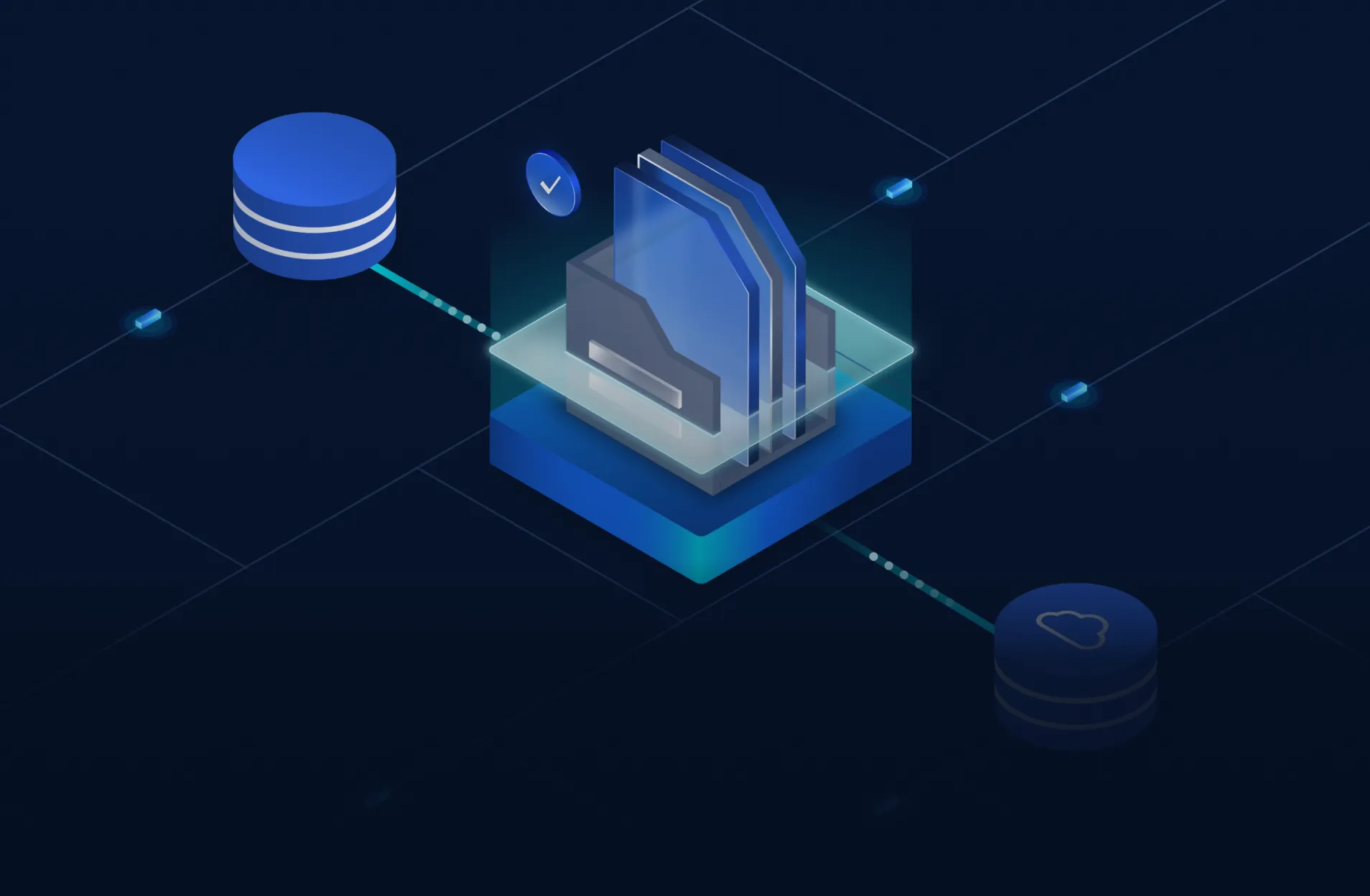
Backup Versioning Support
Scan by point-in-time restore with full version tracking. Automatic version detection for incremental/differential backups.
Scan Analytics Dashboard
See threat types, scan outcomes, and storage usage at a glance. Interactive pie charts and trend analysis for comprehensive visibility.
Flexible Scheduling Engine
Automate scans by policy, event, or custom cron rule. Support for periodic, post-backup, pre-restoration, and compliance-based schedules.
Advanced Threat Detection
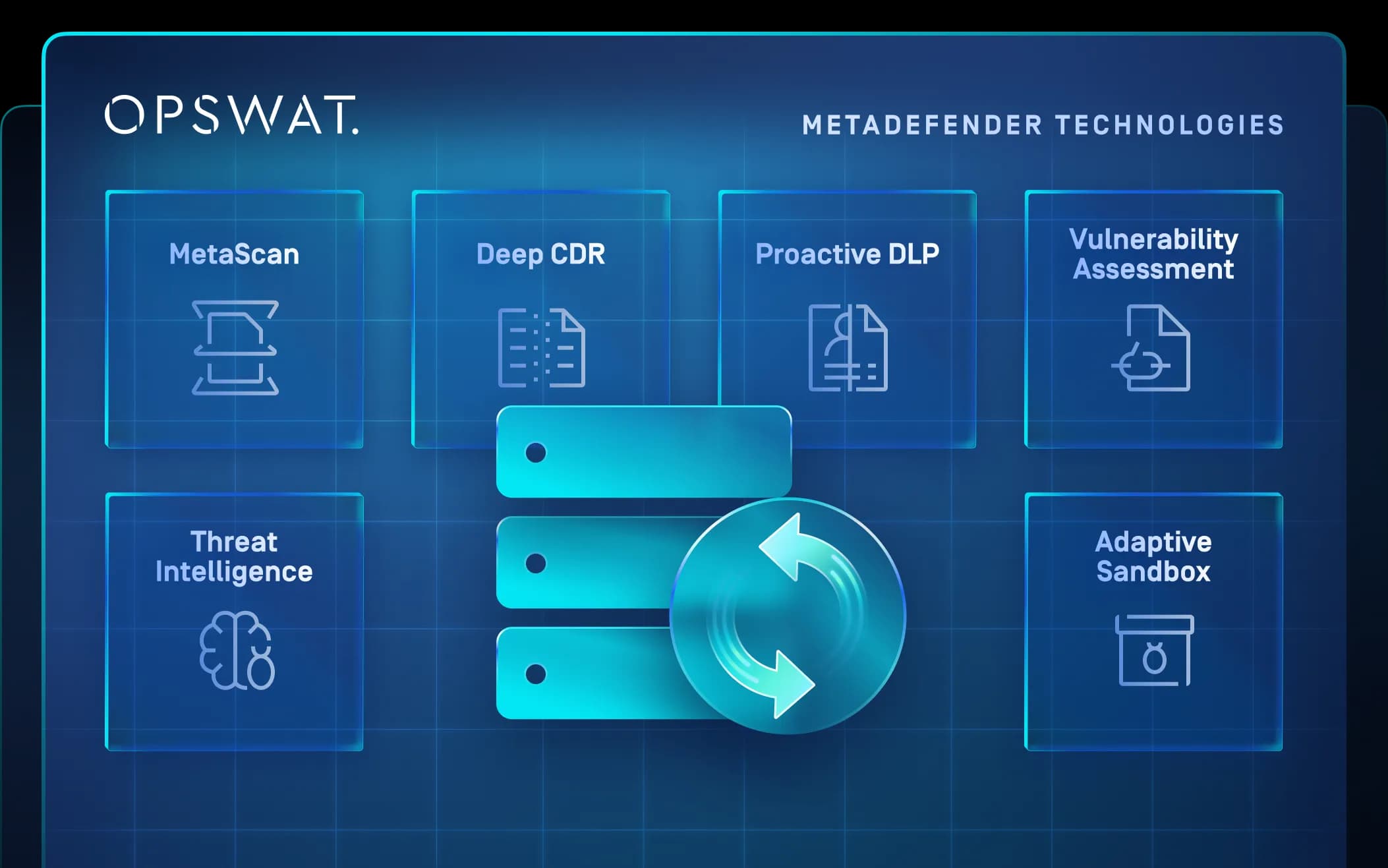
Metascan™ Multiscanning with 30+ engines, Deep CDR™ Technology, and Adaptive Sandbox for comprehensive malware detection.
Backup Scanning: Common Questions
Scans can be scheduled flexibly with throttling controls to avoid performance impact. Our identity scanning technology enables ultra-fast rescans that complete in minutes rather than hours.
We use advanced validation and fallback methods to ensure accuracy in identifying file changes. Our system combines multiple integrity checks for reliable change detection.
Whitelisting and manual review workflows help reduce noise while catching real threats. Our multiscanning approach with 30+ engines provides high accuracy detection.
Sumber Daya yang Direkomendasikan
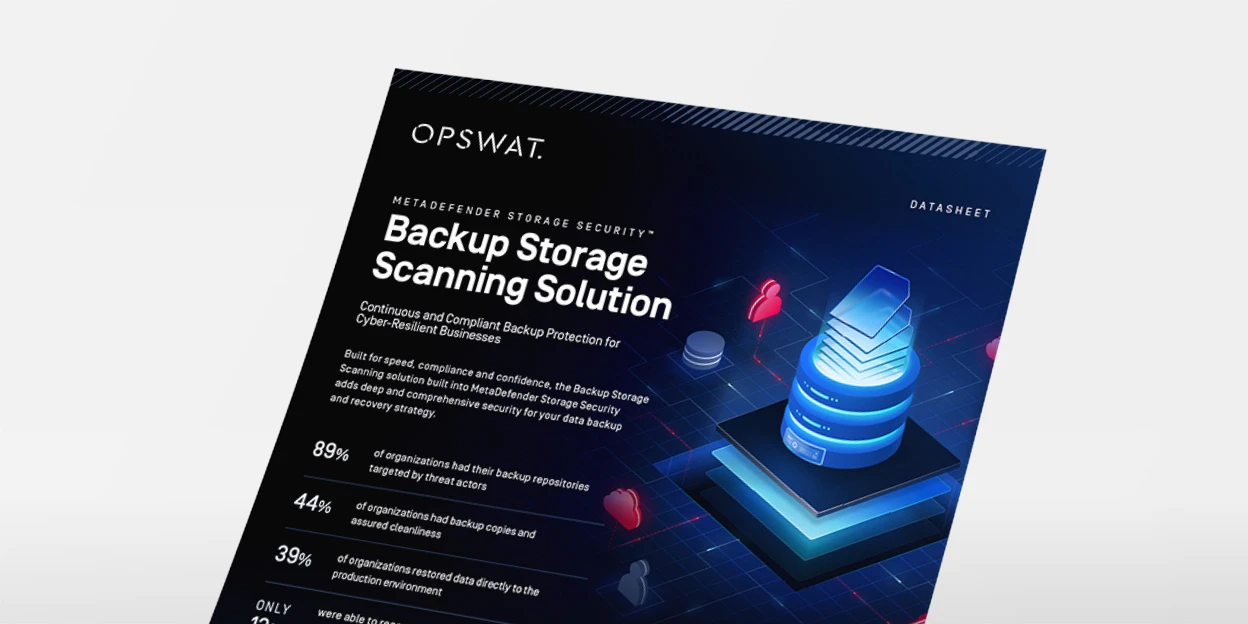 Lembar Data
Solusi Pemindaian Penyimpanan Cadangan
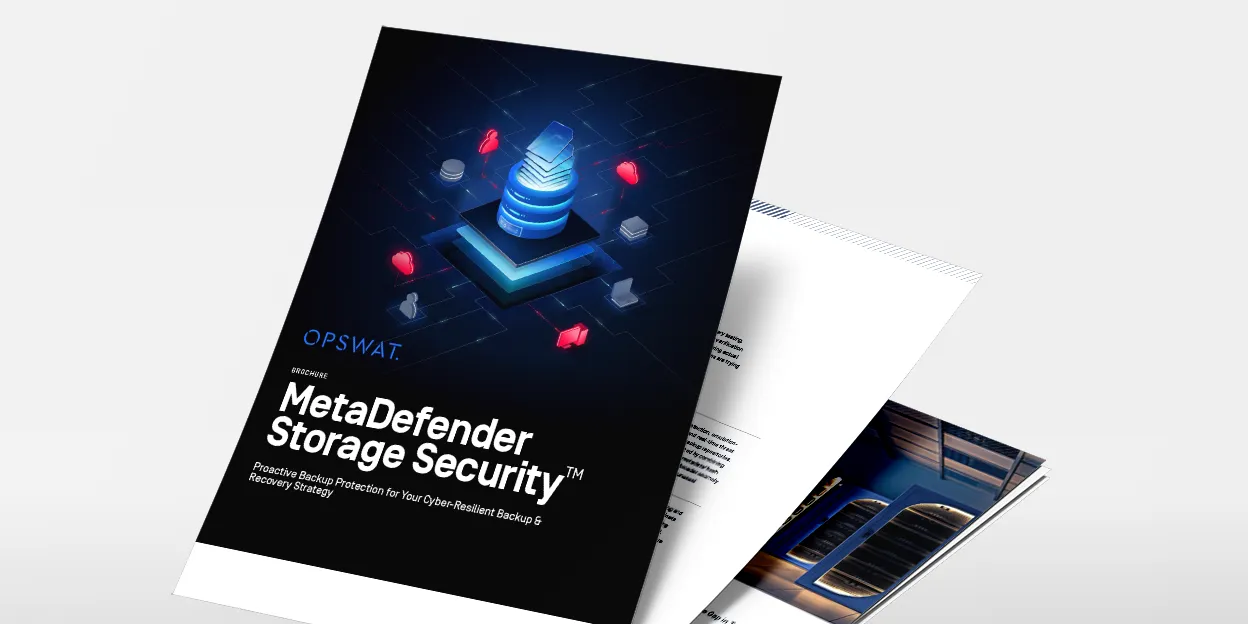 Brosur
Perlindungan Pencadangan Proaktif untuk Strategi Pencadangan dan Pemulihan yang Tangguh terhadap Ancaman Siber
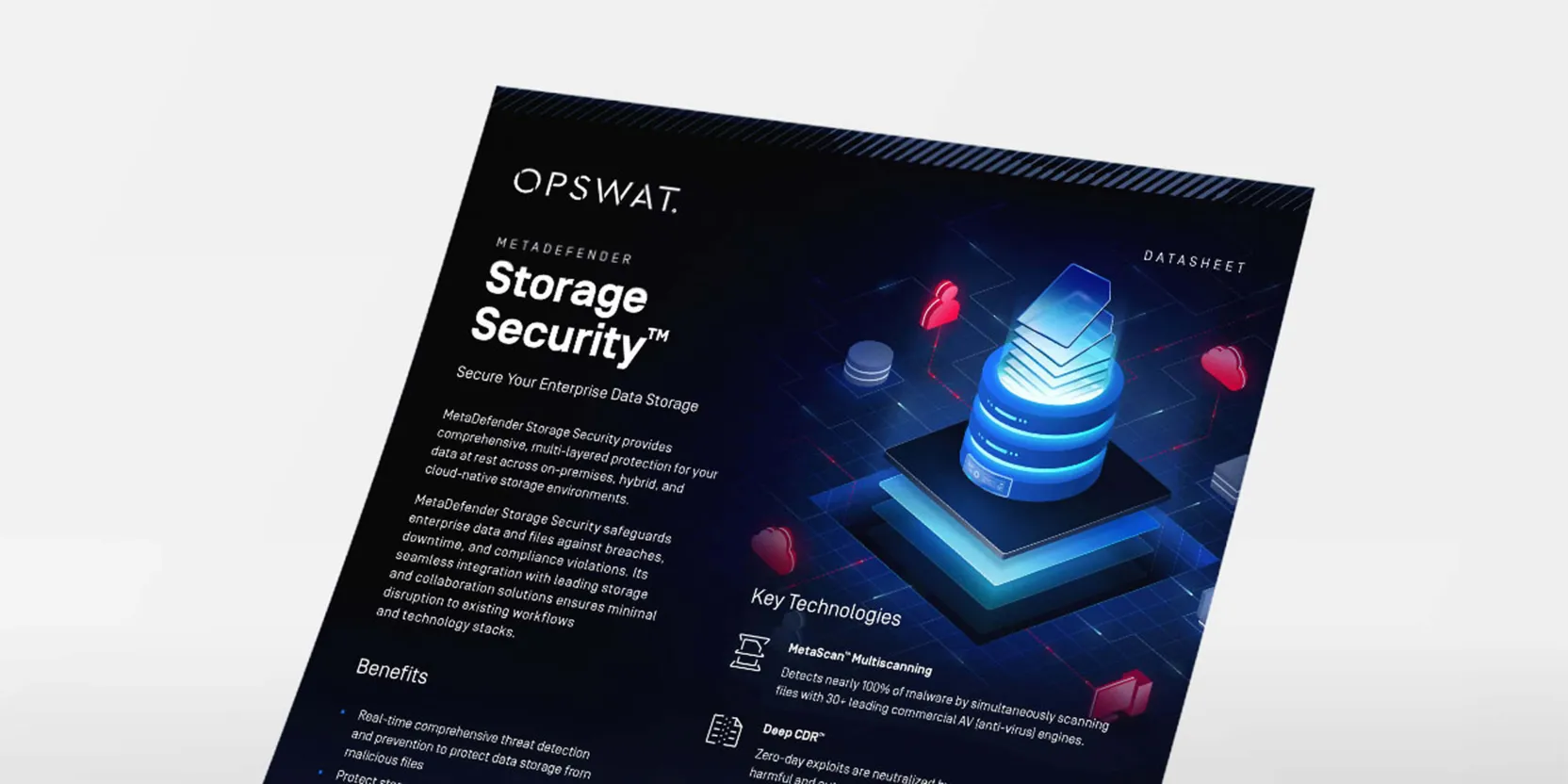 Lembar Data
MetaDefender Storage Security Lembar Data
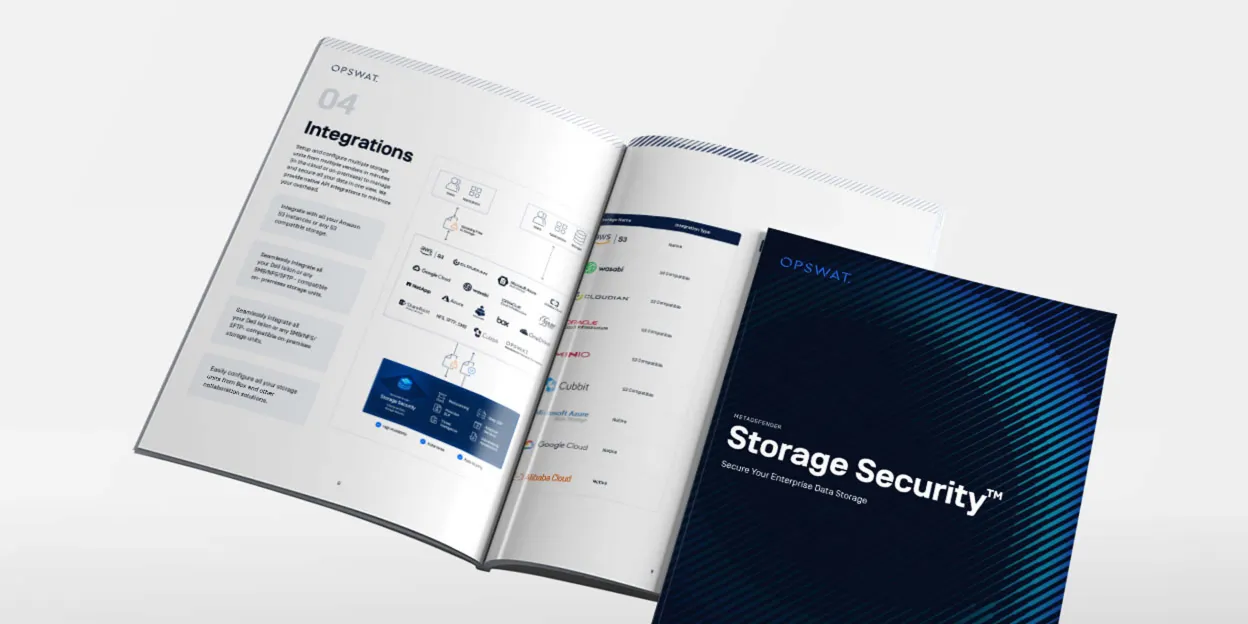 Brosur
MetaDefender Storage Security Brosur